Track installed devices by site.
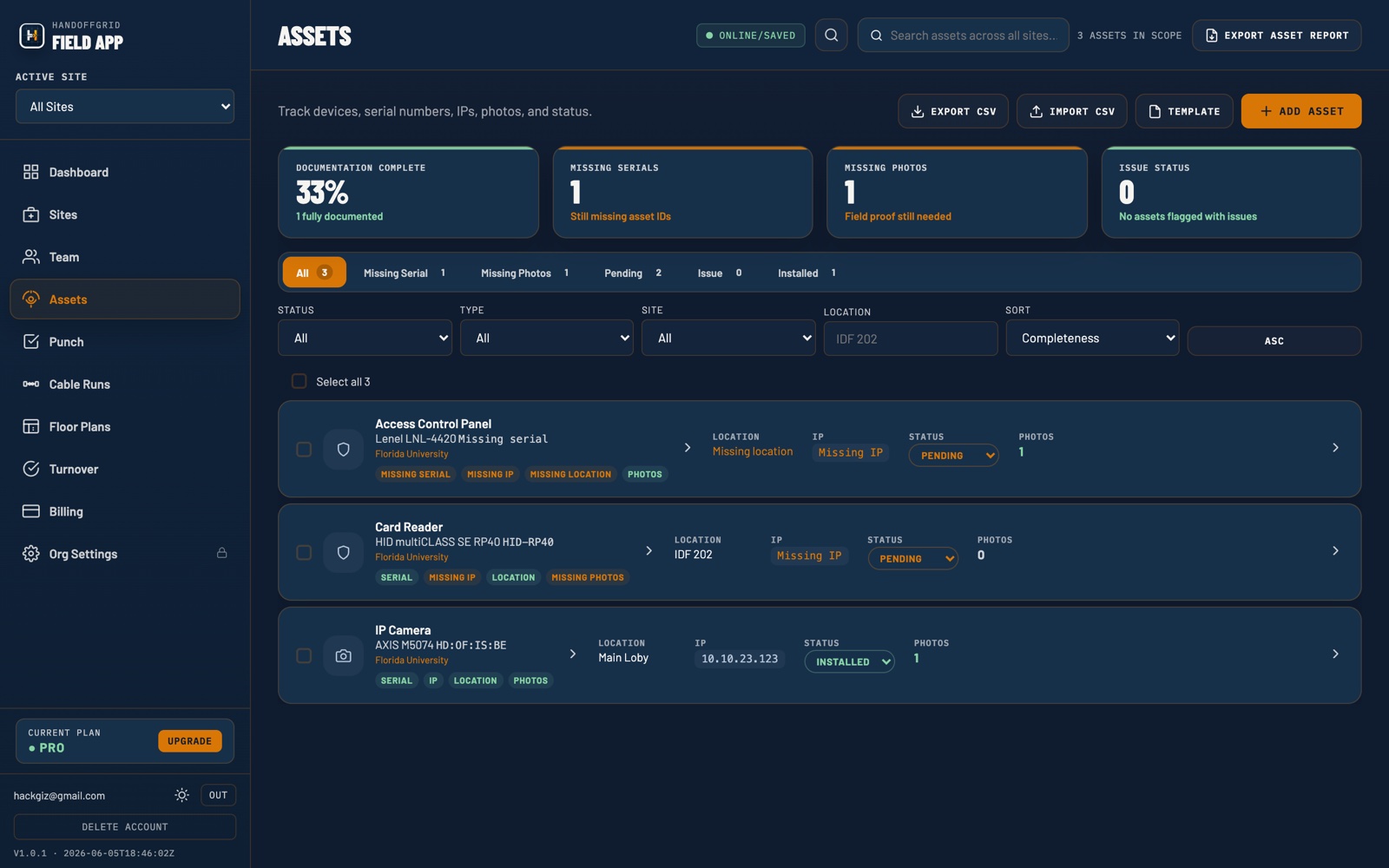
Keep cameras, access control devices, VMS components, panels, readers, and other installed assets tied to the right project record with photos and field context.
Track assets, punch items, field photos, turnover readiness, and customer handoff packages without rebuilding closeout from spreadsheets, emails, and folders.
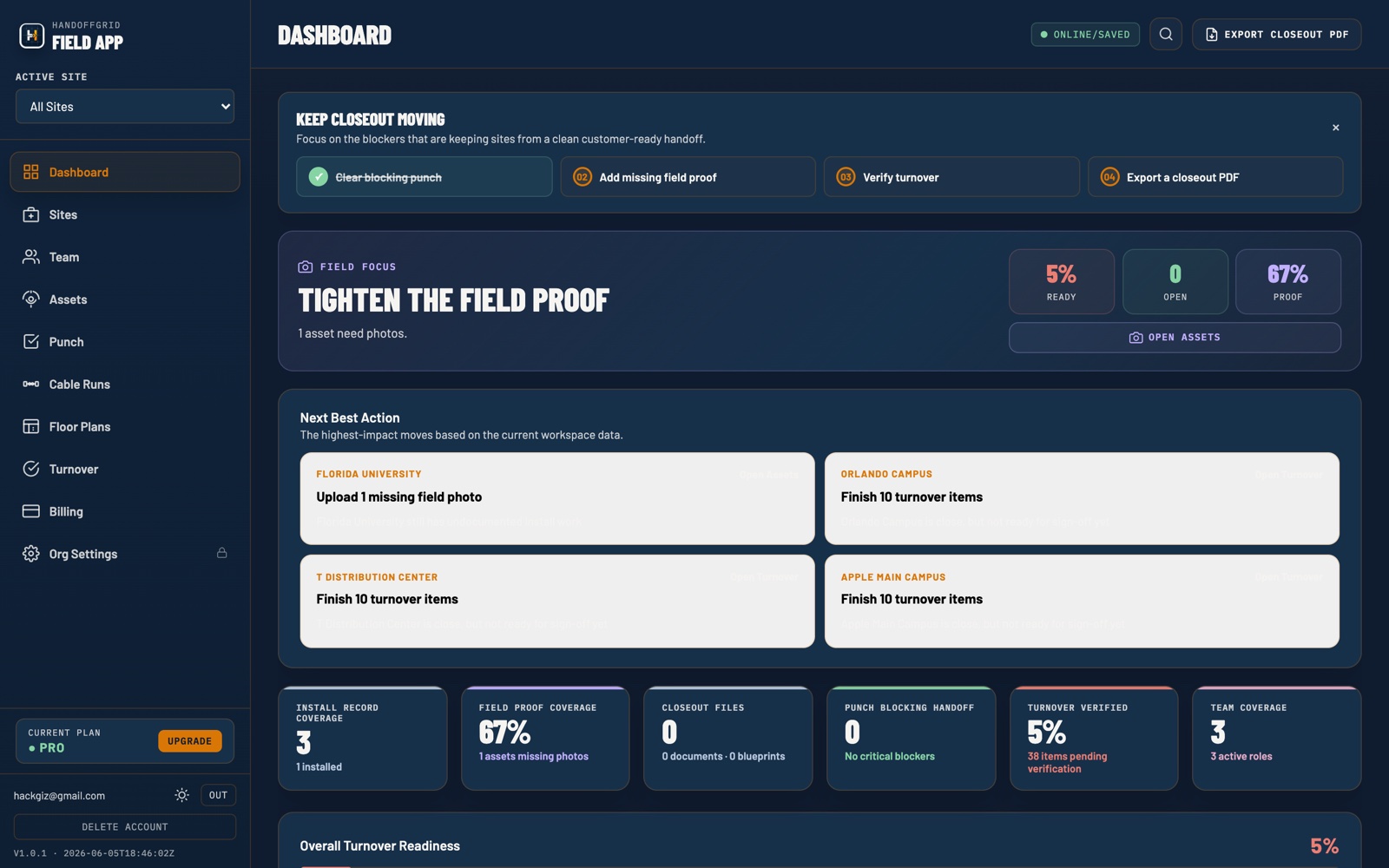
Physical security project closeout software is a shared system for organizing the records that prove an installation is complete and ready to turn over. For security integrators and owner-side teams, that means installed device records, field photos, punch list status, turnover checklist progress, and the final customer closeout package stay connected to the project instead of living across emails, spreadsheets, and folders.
HandoffGrid focuses that workflow on access control, video surveillance, VMS, and related security work so project managers can see what is installed, what is still open, what proof has been captured, and what the customer will receive at handoff.
Keep cameras, access control devices, VMS components, panels, readers, and other installed assets tied to the right project record with photos and field context.
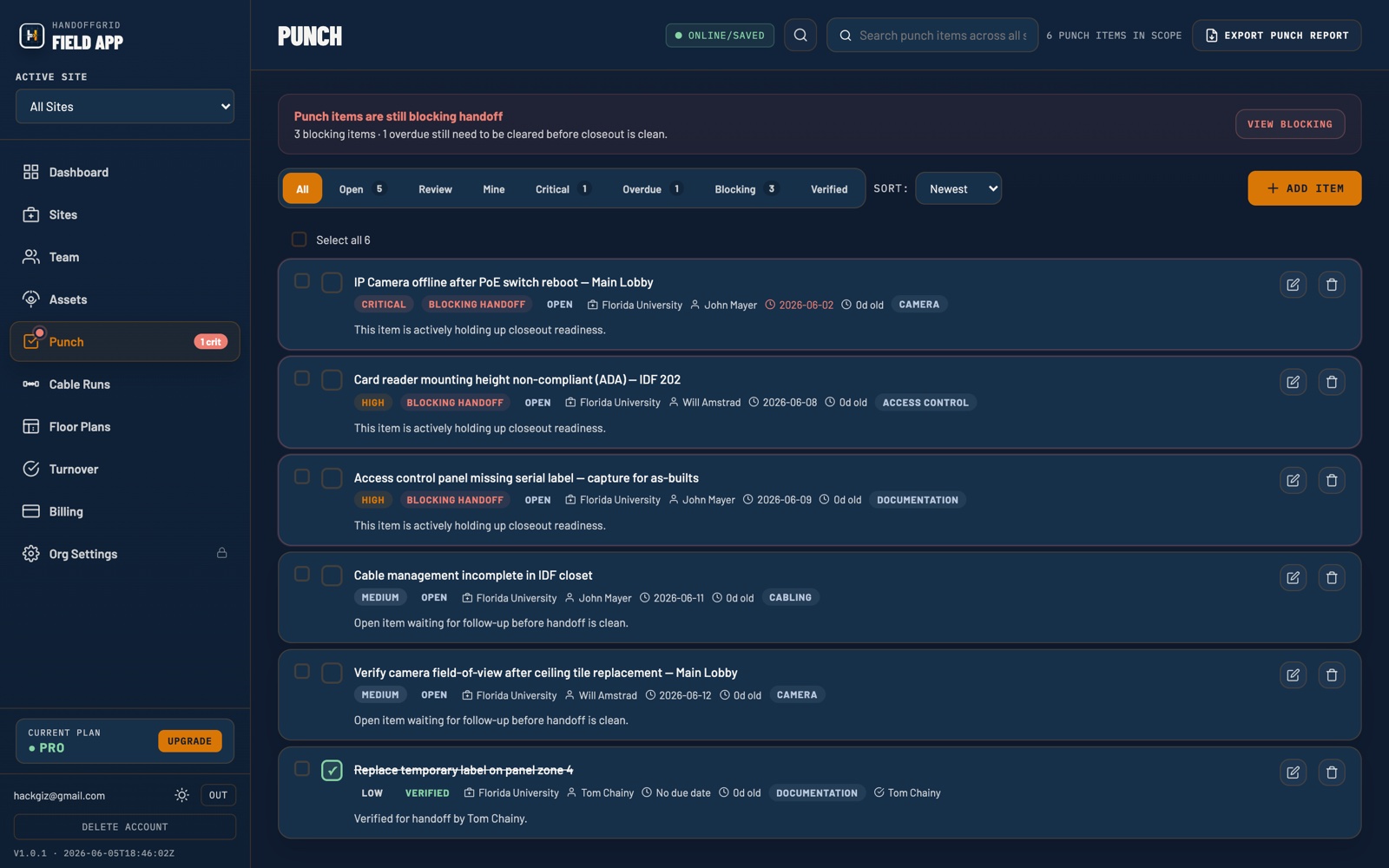
Capture punch items, owners, due dates, status, and resolution notes before handoff week turns into a spreadsheet cleanup sprint.
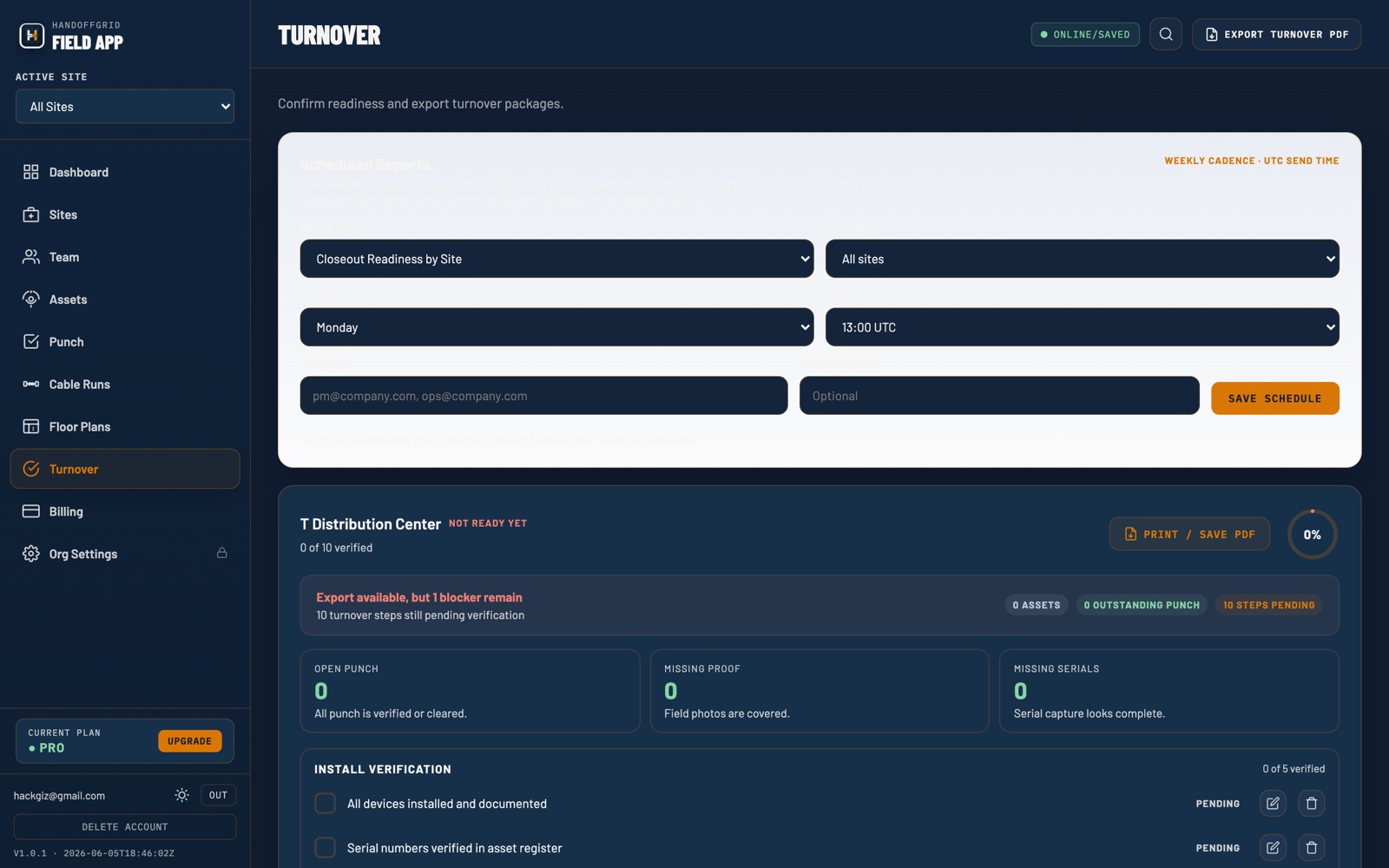
Turnover checklists, field photos, and closeout details stay organized so teams can deliver a cleaner customer-ready package.
Access control closeout often depends on the details: door names, reader locations, controller and panel information, lock hardware, testing notes, credential handoff, and punch items tied to specific openings. HandoffGrid gives project teams one place to track those records as the access control installation moves toward acceptance.
Camera closeout packages need to show where devices were installed, what views were delivered, which issues remain, and what proof exists from the field. HandoffGrid helps organize camera records, installation photos, site context, and punch list status before the project team is asked for final documentation.
VMS turnover can include recorder or server details, camera associations, user and handoff notes, licensing context, acceptance checkpoints, and unresolved items. HandoffGrid keeps turnover readiness visible so operations, support, and the customer are not left piecing together the story after go-live.
HandoffGrid is built around the records that matter when a physical security project needs to close: what was installed, what is still open, what proof exists, and what is ready for handoff.
A cleaner closeout package gives the customer a practical record of the installed security system and gives the integrator a defensible handoff trail. HandoffGrid helps teams assemble the details customers ask for without waiting until the final week to reconstruct the project.
Device names, locations, categories, models, serial numbers, notes, and related field photos for cameras, access control devices, panels, VMS equipment, and other installed assets.
Open and completed punch items with owners, status, due dates, priorities, and closeout notes so everyone can see what was resolved and what still needs attention.
Checklist progress, acceptance items, missing documentation, and handoff readiness details that show the project has been reviewed before customer turnover.
Photos captured with project context so the final package can show installed conditions, labeling, mounting, device locations, and completed corrections.
The package is built from live project records, so closeout becomes a continuation of the work instead of a separate documentation scramble.
Support teams, customer security teams, and project leaders can refer back to the same structured records when questions come up after turnover.
Project managers can see missing items earlier, clean up blockers, and walk into the handoff conversation with a more complete record.
Set up the project site and keep records organized around the work location.
Track installed assets, serials, models, locations, and field photos.
Assign unresolved items and keep ownership visible through closeout.
Use checklists to see what is ready, missing, or blocked.
Deliver a customer-ready closeout package with less last-minute cleanup.
HandoffGrid is shaped by more than two decades of hands-on physical security project experience: access control jobs, camera deployments, VMS turnover, field coordination, punch list pressure, and the familiar end-of-project scramble to produce documentation customers can trust. The product is designed for the reality of security work, where a missing photo, unclear device record, or unresolved punch item can slow acceptance and complicate support.
Records are organized around the assets, punch items, photos, and turnover checkpoints that show up on physical security projects.
Project managers and field leads can keep closeout information current while installation context is still fresh.
The workflow is built around what the owner, security team, support team, and integrator need when the project moves from installation to operations.
Start with one active project and see exactly what is missing before the customer asks for the closeout package.
It is software used to organize the final project records for security installations, including installed assets, punch items, field photos, turnover checklists, and closeout packages.
HandoffGrid is built for security systems integrators, project managers, field leads, and physical security teams responsible for access control, camera, and VMS project handoff.
HandoffGrid reduces the need to rebuild closeout from spreadsheets, email threads, shared folders, and scattered phone photos at the end of a project.
Use HandoffGrid to track installed assets, punch items, field photos, and turnover readiness before handoff week arrives. Build the closeout package as the work happens, then give the customer a cleaner record of what they received.